
quick start guide
dpora is a stranger kind of chat app. It’s strange because it’s a different way of chatting with people.
Instead of the traditional linear and chronological format, dpora uses colored squircles (rounded squares) to represent individuals and their comments quickly disappear.
The app is also of a stranger kind in the sense that it is primarily designed for chatting with strangers, yet hopefully kind ones.
dpora may also be the most private chat app available! There is no registration process and everyone remains anonymous. New comments overwrite previous comments on the back end,
so there is never a history of comments saved. The focus is only on what is said in the moment, for a moment.
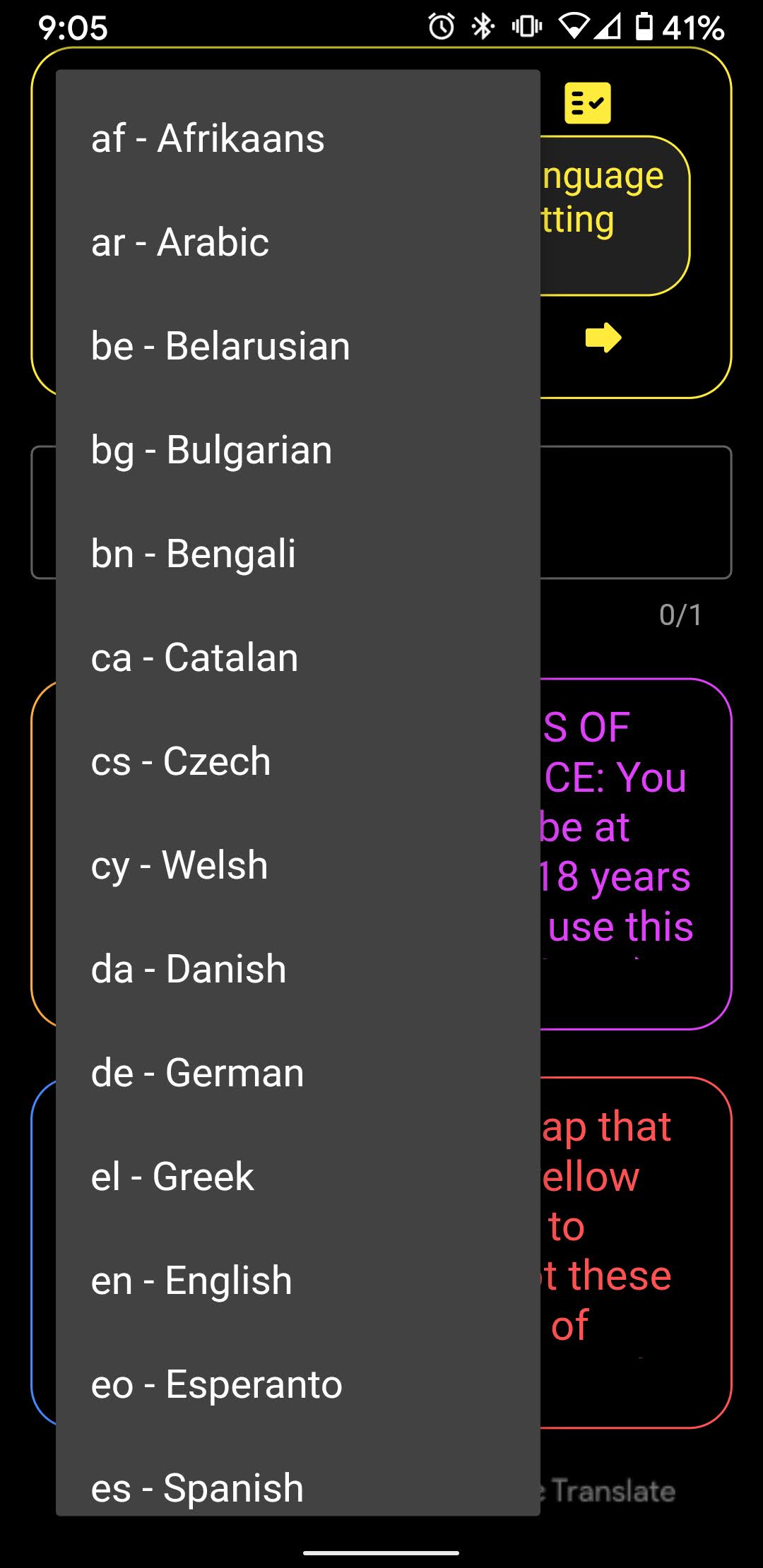
The first time you launch the app on a new device, you may choose your language preference.
This gives everyone the option to type comments in their language of choice and
it also lets everyone read all comments (and topics) in their language of choice.
Translations (powered by Google Translate) happen instantly and only on the device; they are not sent anywhere in order to get translated.
You will be randomly matched with up to 4 other people, who may be anywhere in the world.
Everyone in the small group gets assigned a color, however your color will likely change as you change groups.
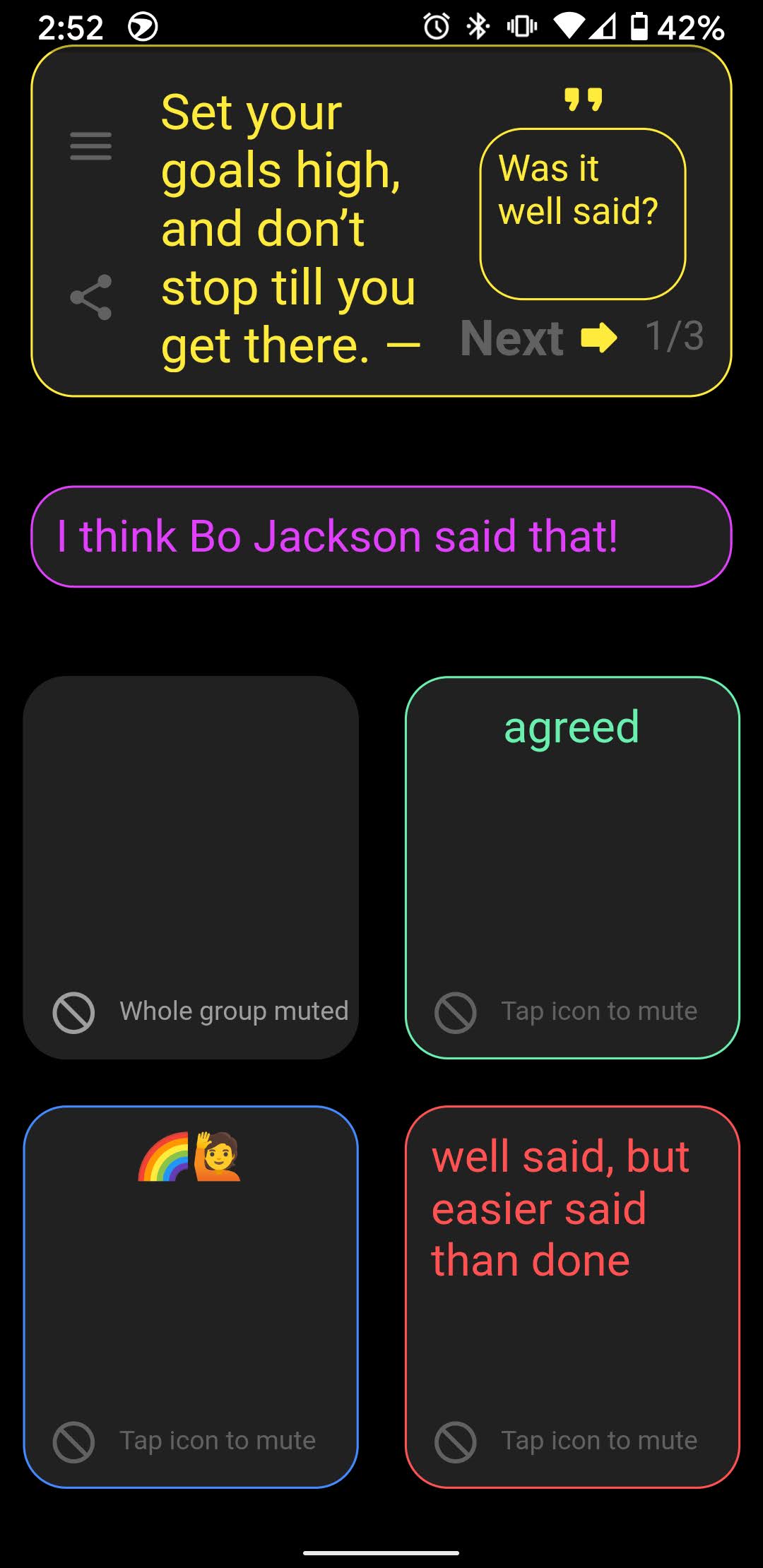
The chat topic is always on top and always in yellow.
The next topic will appear after enough of your group taps the little yellow arrow.
Push any text up using your finger or cursor to view all the content.
If the text does not scroll, you are already viewing all the content.
All comments start fading away after 30 seconds! So talk openly, but be respectful. Try to tolerate other people's views even if they are different or extremely different from yours.
If someone's comments are disrespectful or you simply prefer not to view them, you may mute their comment stream by tapping the icon under their text. Tap again to unmute.
That's just about all you need to know to get started. So... get started!
